I have written about this a few times in Portuguese, always in pieces. This post pulls those pieces together in English and brings the numbers up to date. If you want the originals, here they are: a general overview of DAWs on Linux, a deeper look at Ardour, Mixbus and LiveTrax, and the hands-on writeup of my bass setup with the SSL 2+ MkII. The scripts and launchers from that last one live in a repository, linux-daw-ssl-lowlatency, and I come back to them near the end.
My goal here is the one thing all three articles were circling around: on a Linux desktop, which DAW do I actually open to play, record and listen to bass lines, and how do I make the machine get out of the way.
What a DAW is, briefly
A DAW (Digital Audio Workstation) is the digital studio where recording, editing, mixing and mastering happen. It gives you multitrack recording, non-destructive editing, effects and plugins (VST, LV2, AU), automation, virtual instruments and signal routing, all in one place. You capture sound from microphones and instruments, move audio and MIDI around, stack takes across tracks, process in real time or offline, and export the result in professional formats.
That description fits every option below. What separates them, on Linux specifically, is which ones run natively, how heavy they are, what they cost, and whether they color the sound on purpose.
The Linux DAW landscape in 2026
The first honest thing to say is that the famous names do not run natively on Linux. Pro Tools, Logic Pro, Cubase, Studio One Pro 7 (around 199 USD), FL Studio and Ableton Live are Windows or macOS software. Some of them can be coaxed to run through Wine or yabridge, but that is a different article and a different set of headaches.
What does run natively, and well, is a shorter but very capable list.
Proprietary, native on Linux:
- REAPER 7 (Cockos), 60 USD personal, 225 USD commercial.
- Bitwig Studio 6, 99 USD Essentials, 199 USD Producer, 399 USD full Studio.
- Renoise 3.5, 88 USD, the tracker that never left.
- Waveform Pro 13 (Tracktion), a free tier plus paid editions from roughly 149 USD.
- Harrison Mixbus 12, 29.99 USD, with Mixbus 12 Pro at 99.99 USD.
- Harrison LiveTrax 3, 39.99 USD.
Free and open source, native on Linux:
- Ardour 9.7, pay what you want starting at 1 USD for a ready to run build, or build the source for free.
- LMMS, for electronic music and beatmaking.
- Qtractor, a lean MIDI and audio sequencer.
- MusE and Rosegarden, MIDI focused, Rosegarden with real notation.
- Zrythm, the modern newcomer.
- Audacity, more an audio editor than a full DAW, but everyone ends up using it.
Prices are for the standard tier. Several of these sell extended versions with more plugins. The point of the list is that a Linux user is not choosing between crumbs. Four of these, Ardour, REAPER, Mixbus and LiveTrax, are the ones I keep installed, and the rest of this post is about them.
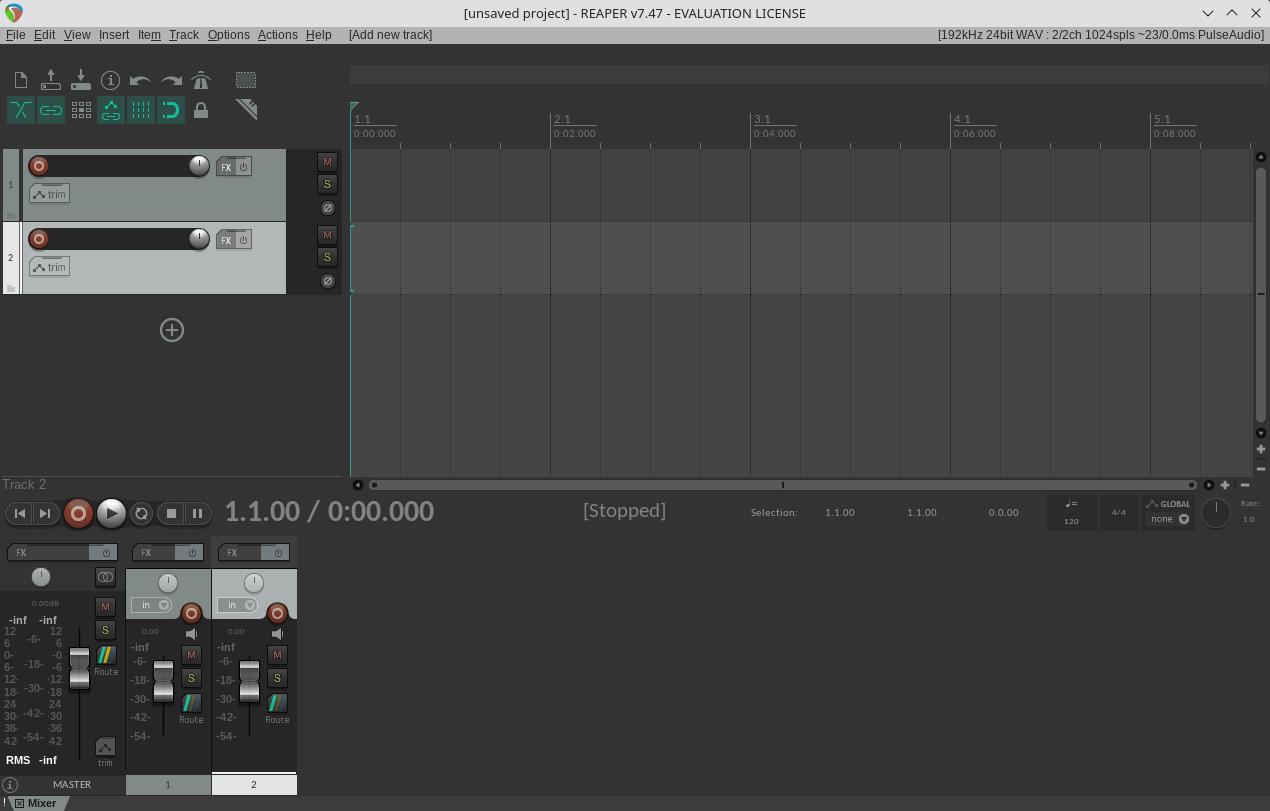
REAPER, the quiet professional
REAPER is the outlier of the group and the one I am closest to buying. For 60 USD (personal use, or businesses under 20 thousand USD a year) it gives you a full professional DAW that runs on almost anything, with a famously small CPU and RAM footprint and native builds for Windows, macOS and Linux. The commercial license is 225 USD. A single license includes free upgrades all the way through version 8.99, and the 60 day evaluation is the complete program, not a crippled demo.
It is still called the secret DAW of professionals, and the reasons are not technical. There is no aggressive marketing, no celebrity endorsements, the first run looks plainer than FL Studio, and it ships without a bundled instrument library, which VSTs solve in five minutes. What you get instead is total control: the interface, the routing, the keyboard shortcuts and the behavior are all customizable, and it scripts in Lua and ReaScript. For anyone who values power, stability and value over gloss, it is one of the best choices on any platform, and on Linux its native ALSA backend gives the lowest monitoring latency of the whole set.
One thing worth stating plainly, because I looked: REAPER does not run sales or hand out coupons. The 60 USD price is the permanent discounted rate for people who qualify, so if you are waiting for a promo code, it does not exist. The trial is the discount.
Harrison Audio, and why Mixbus and LiveTrax exist
Both Harrison DAWs are built on Ardour’s source code, so it helps to know who Harrison is. It is a fifty year old company that invented the in-line console design the industry standardized on, folding the record and monitor paths into a single channel strip. Harrison desks mixed Thriller, Nevermind, Bohemian Rhapsody and Aja, and film work from Transformers to Harry Potter to Marvel. Sony Pictures alone runs thirteen Harrison consoles, and shows like The Simpsons and CSI are mixed on them. Mixbus was the move that brought that analog Harrison sound into software.
In October 2023, Solid State Logic acquired Harrison, which matters here because my interface is an SSL. In July 2024 Ben Loftis of Harrison put it on record that Harrison, SSL and parent company Audiotonix committed to supporting Linux for Mixbus and LiveTrax, and called it the strongest Linux support of any pro audio company. The full DAWs, plus the integrated XT plugins, stay supported on Linux, with SSL EQ and Dolby Atmos reserved for Mixbus Pro.
The asterisk is that in 2024 Harrison discontinued the standalone AVA plugins for Linux, blaming low Linux license volume and incompatibility with the iLok DRM that SSL requires. The philosophy now is to pour resources into one complete DAW rather than a scattered plugin lineup. So on Linux you get Mixbus and LiveTrax, well supported, and not much else from Harrison as separate plugins.
Mixbus and LiveTrax today
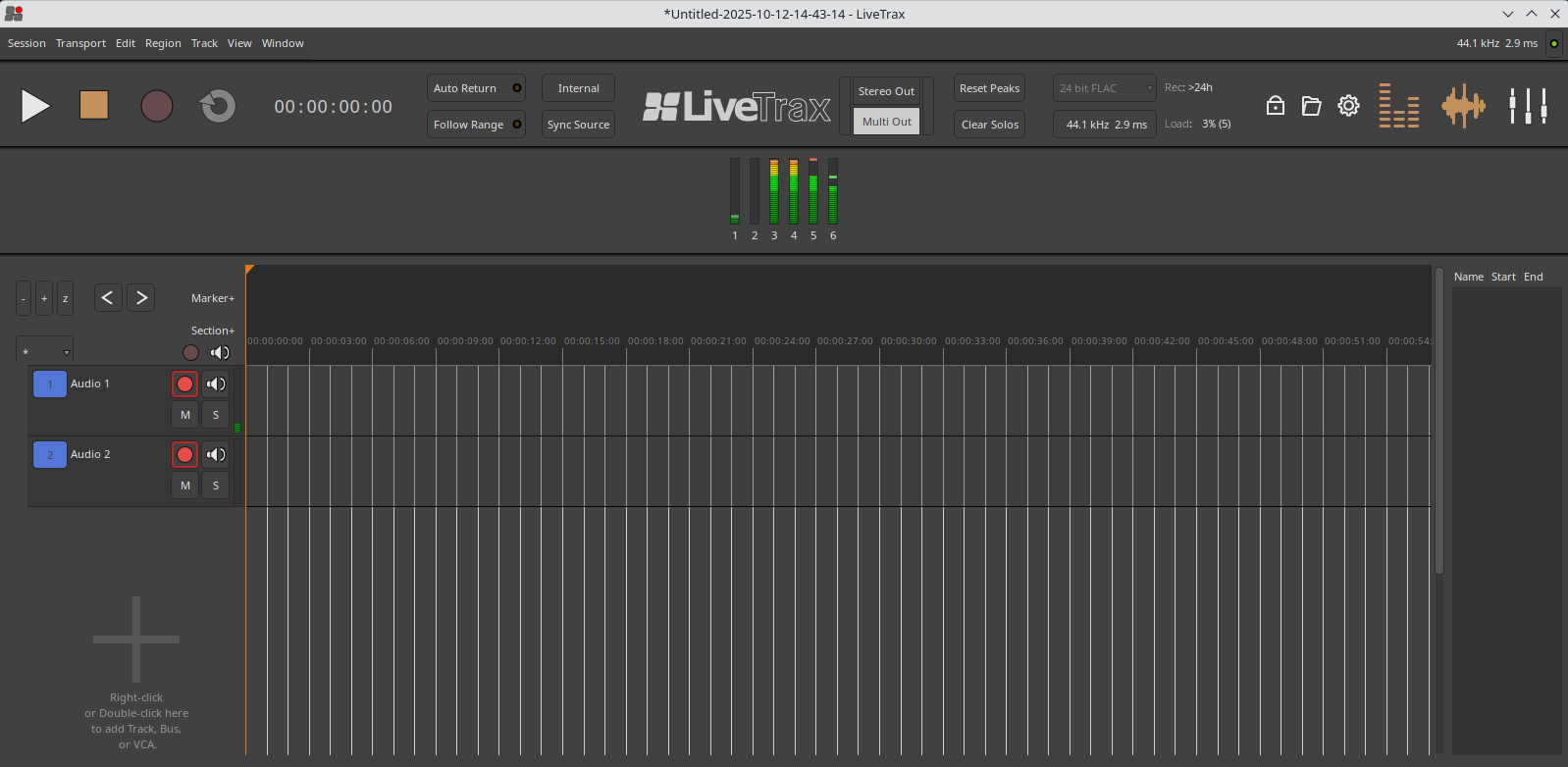
LiveTrax 3 (39.99 USD) is the specialist. It is a multitrack live recorder and virtual soundcheck tool, stripped down and optimized for capturing performances quickly and reliably, with seamless integration for Allen & Heath, SSL Live and, new in version 3, full DiGiCo console integration. It keeps the things a live engineer needs, a real time RTA analyzer, direct recording to FLAC, setlist markers and a Big Clock for monitoring from across the room, and drops everything else. That less is more approach is exactly what makes it stable and fast when a recording cannot be redone.
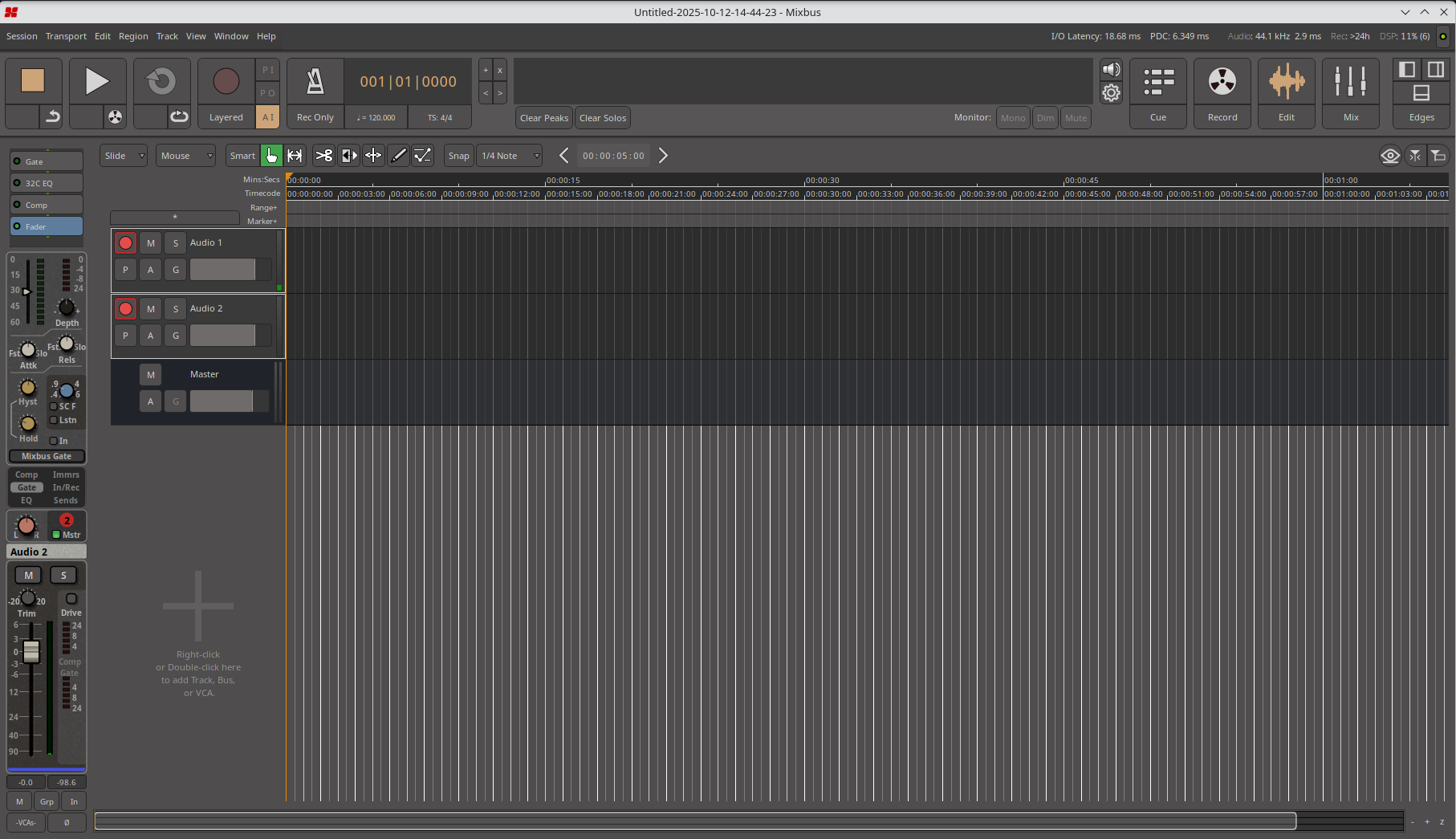
Mixbus 12 (29.99 USD, or 99.99 USD for Pro) is the opposite: the full production DAW. It emulates the workflow of Harrison analog consoles, baking a 32C style EQ, analog saturation and compression into every channel strip, plus tone, tape saturation and sidechain compression across eight stereo mixbuses. It records, edits MIDI, mixes and masters, ships with Harrison’s XT plugins, and in the Pro version adds Dolby Atmos with 3D panning and certified export.
When I registered my SSL 2+ MkII online, the bundle included a Mixbus 11 license, which is how I ended up owning it. Both LiveTrax and Mixbus can be downloaded and run in demo mode to try, and REAPER has its 60 day trial, so nothing here requires buying blind.
Ardour, the foundation
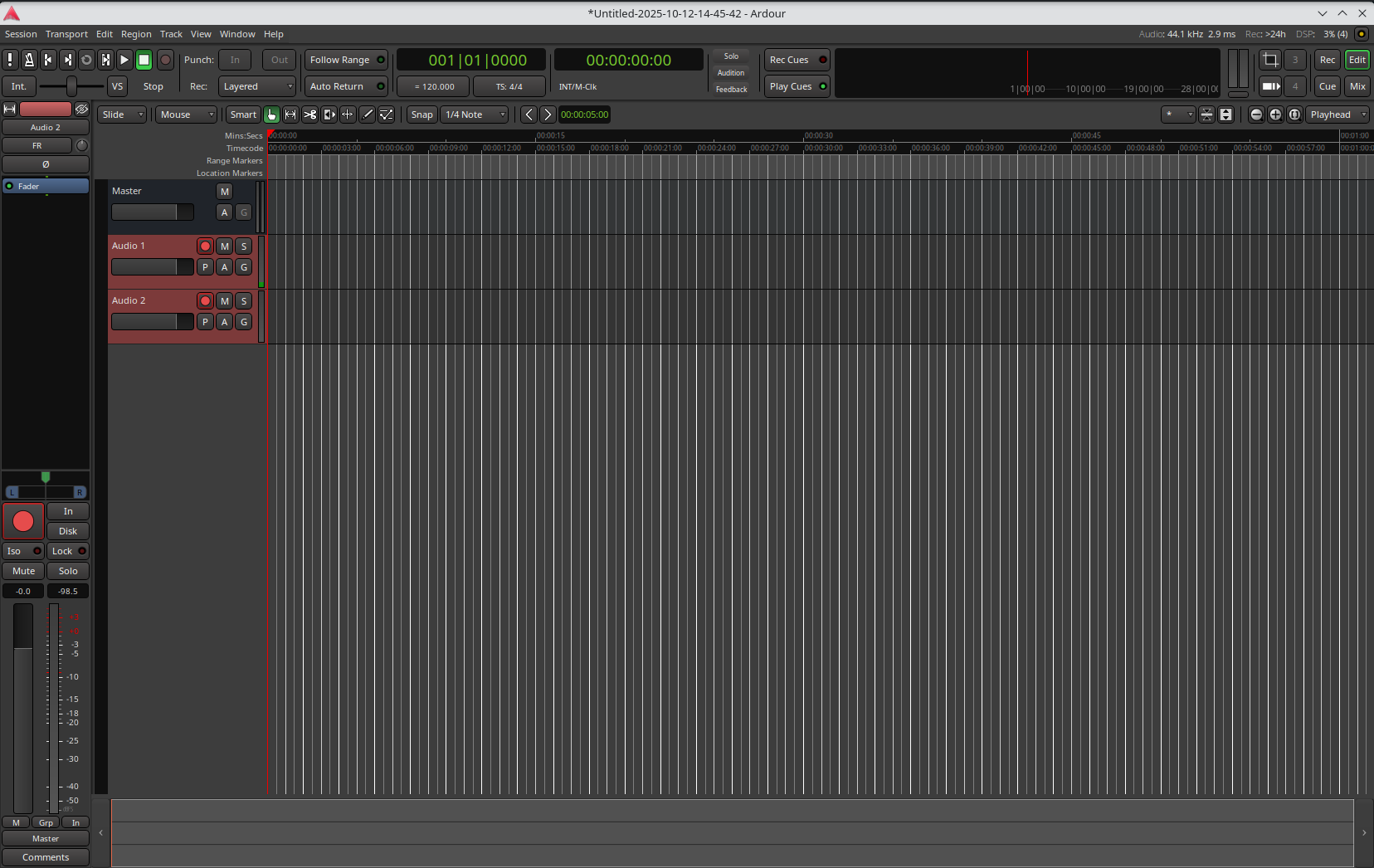
Ardour is the crown jewel of free audio and the base that both Harrison DAWs inherit. It is the most complete and professionally viable FOSS DAW, routinely compared to Pro Tools for multitrack recording and mixing. Paul Davis and an active community have built robust multitrack recording, non-destructive editing, advanced mixing and full VST, LV2 and AU plugin support, running natively on Linux, macOS and Windows. It does sample accurate automation, flexible routing, serious MIDI editing and video sync for scoring.
Its funding model is unusual and worth respecting: the source is free to build, and ready to run binaries are pay what you want from 1 USD, either as a one time payment or a 1 USD per month subscription that keeps the updates coming. That is what sustains the development.
Ardour versus Mixbus
Mixbus inherits all of Ardour’s recording, editing and sequencing, then adds the modeled Harrison analog processors. The differences are mostly interface and sound coloring: Mixbus gives you a modeled three band analog EQ with a high pass filter, three compressor types, saturation and summing on every strip, plus the eight stereo mixbuses. It also brings the redesigned interface with dedicated Cue, Record, Edit and Mix pages, the Focus Channel for reaching every Harrison tool in one place, commercial support, manuals and video tutorials, and features that reach Mixbus before they reach Ardour.
Ardour, by contrast, stays clean and neutral. It is pure DAW function with no built in coloring, completely free and open, but without the commercial support and the analog processors that make Mixbus the pick for anyone chasing that vintage console sound.
Ardour versus LiveTrax
The difference between LiveTrax and plain Ardour is that LiveTrax was deliberately cut down and tuned for live recording and virtual soundcheck. Where Ardour hands you the full editing, mixing, MIDI, plugin and automation toolset, LiveTrax removes all of that and keeps only the essentials for the job: efficient multitrack capture, playback for soundcheck, setlist markers, live specific meters like the RTA analyzer and phase correlation, and direct console integration. Simplicity is the feature.
Performance
Real performance depends on the number of simultaneous tracks, how many plugins you load, the buffer size, the quality of the audio interface and how well the OS is tuned. For serious work, a modern i5 or Ryzen 5, 16 GB of RAM and an SSD for projects is a sane floor. But hold the workload constant and there is no meaningful difference between Ardour, Mixbus and LiveTrax, because they share an engine. The choice between them is simplicity versus features versus specific plugins, not speed.
What changed recently
Since I first wrote about these, the versions moved, so here is the current state.
Mixbus 12 refines the redesign that Mixbus 11 introduced and adds real tools. The headline is a DeEsser and a DeNoiser on every channel, processors Harrison says come from its motion picture console work, which folds cleanup into the strip instead of making it a separate step. Cue launching grew to sixteen rows and now records audio and MIDI clips straight into the slots. MIDI editing gained a chord tool in the piano roll, pick the type and click the root. And the interface went darker and higher contrast, leaning into the 32 Classic console look. For bass specifically, the DeEsser tames aggressive slap attacks and the DeNoiser cleans single coil hum, which is a concrete reason to move up. Since I already own the licensed 11 and it sounds just as good, I am waiting for a worthwhile upgrade coupon before jumping.
Ardour 9.7 (released 5 June 2026) is a bugfix release with a few real additions. The MIDI Tools sidebar, once piano roll only, now shows up in the main editor through the Editor List (Shift+L), with chord editing and quantization, and the cross cursor for MIDI and automation is on by default in the inline editor. Outside MIDI it added an optional vertical summary, natural sort order across the interface, multitouch on Linux and Windows, saving and recalling port connections per backend or device, and uninterrupted recording even when LTC sync drops. An empty binding map for generic MIDI controllers makes unknown surfaces easier to use.
REAPER 7.78 is the current build, and the difference from the Harrison family is philosophy more than features. REAPER is the lightest engine and the most efficient, the near blank canvas you shape with scripting and routing. The Ardour family is opinionated and ships a ready workflow, and Mixbus in particular hands you console tone from the first channel, which for bass is a shortcut: less time building a plugin chain, more time playing.
The part that actually matters for playing: latency
Everything above is about which program to open. This is about making the computer disappear so the bass feels connected to your hands.
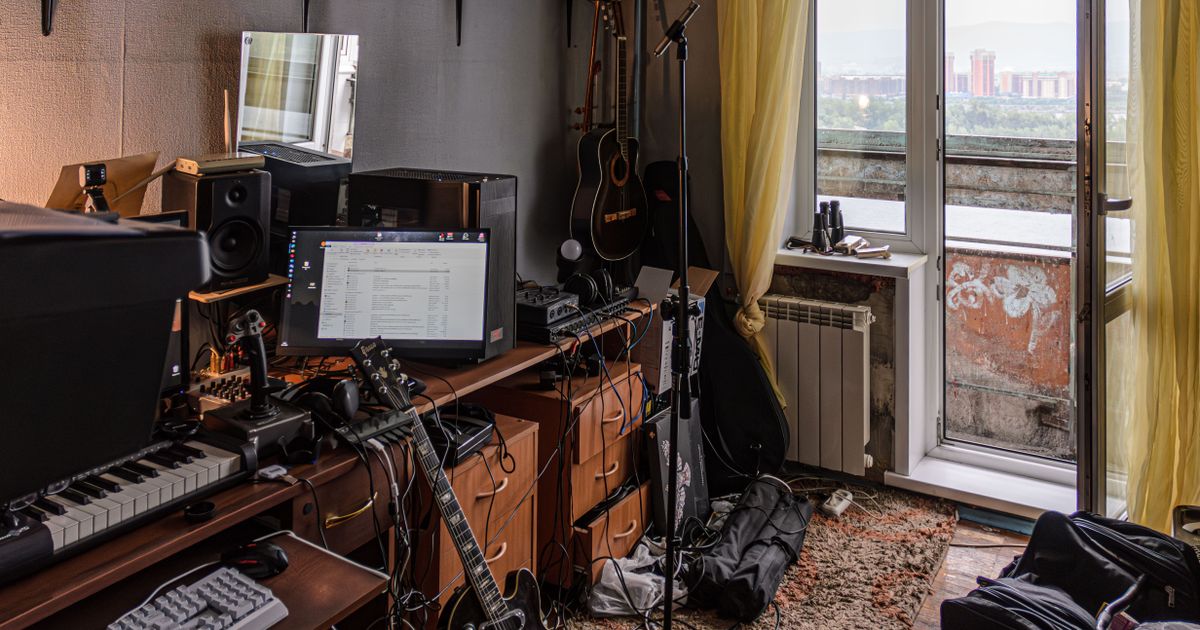
My machine runs Fedora with a Ryzen 9 3900X and 64 GB of RAM, and the interface is a Solid State Logic SSL 2+ MkII over USB. On any modern Linux desktop, PipeWire owns the sound card at all times. That is great for everyday listening, the browser, Qobuz and notifications all coexisting, but it adds latency the moment you want to play an instrument through an amp simulator inside a DAW.
There are two ways to route a DAW to the interface. The first is through PipeWire’s own JACK layer, which is convenient because DAW audio coexists with the browser, but it stacks PipeWire’s latency on top of the DAW’s. The second is the ALSA backend straight to the card, in exclusive mode: the DAW takes the interface for itself, PipeWire releases the device, and round trip latency drops to the floor. The cost is that while the DAW is open no sound comes out of the browser through the SSL. For playing bass through an amp sim, that is the right trade, and it is the one I use.
The catch is that PipeWire keeps the card busy by default, and not every DAW asks for it back. Ardour and its family request the release over D-Bus and PipeWire yields, but REAPER does not. So I wrote a small wrapper that switches the SSL’s PipeWire profile off before launching the DAW, giving it exclusive ALSA access, and restores the profile when the DAW closes so desktop audio comes back. It finds the card by name rather than by a numeric id, because the id changes across reboots. Around that wrapper I made desktop launchers for all five DAWs, so opening any of them from the menu already lands in exclusive ALSA.
I packaged the wrapper, the five launchers and an installer in a public repository: linux-daw-ssl-lowlatency. Clone it, run ./install.sh, and it drops the script in place, creates launchers only for the DAWs it actually finds, and exposes a DAW_ALSA_CARD variable for anyone using an interface other than the SSL.
Inside each DAW the settings are the same, chosen once: ALSA backend, the SSL as the device, 48000 Hz, a 128 sample buffer, 2 periods. In REAPER that lives under Options, Preferences, Audio, Device; in Ardour, Mixbus 11 and 12, and LiveTrax 3, it is the Audio/MIDI Setup dialog at startup. A 128 sample buffer at 48 kHz gives roughly 6 to 9 ms round trip in practice, comfortably playable, and if the machine holds up without glitches, 64 samples gets close to 3 ms.
For monitoring the bass there are two honest options. Direct hardware monitoring uses the SSL’s MONITOR MIX knob and has zero latency, which is what I want when I am recording a clean DI and not relying on a plugin for the sound. Software monitoring runs the signal through an amp sim in the DAW, and there the trick is to turn MONITOR MIX all the way to the USB side, otherwise you hear the dry DI stacked on top of the processed tone. For a free bass amp that runs in all five, Guitarix has usable models; in Mixbus, the console channel strip already gives the low end body without any external plugin.
The verdict for my machine
With a CPU this comfortable, none of the five is a bottleneck, so the decision comes down to latency, tone and licensing. For playing live with the lowest latency, REAPER is untouchable, and that is why it is the one I will actually buy. For recording and walking away with a finished bass tone, the Mixbus 11 I already own is the natural base, with the console doing the heavy lifting, and the move to 12 waits for a discount. Ardour 9.7 stays the best integrated native Linux citizen and the best free fallback, and LiveTrax is what I open when the goal is to capture a whole rehearsal fast without sculpting anything.
In the end it is not one against the others. It is REAPER to play, Mixbus to give it tone, and Ardour holding the line.
Sources
- Ardour 9.7 - What’s new
- Ardour 9.7 released (Ardour forum)
- The Ardour FAQ (pricing model)
- Mixbus 12 (Harrison store)
- What’s New in Harrison Mixbus 12 (Levels Music Production)
- Harrison Audio launches LiveTrax 3
- Why Harrison is no longer developing plugins for Linux
- REAPER Purchase
- linux-daw-ssl-lowlatency (code)